
Playrooms Walkthrough (2026): All Rooms in Order
A spoiler-light Playrooms walkthrough for 2026, covering every room in order, the eight ball pits and the final exit on PC and Steam.
Quick answer: Playrooms is a first-person cleaning game about returning 200,000+ scattered balls to their pits. Progress runs through eight pit areas, from the starter Playroom to the Poolroom, Backrooms, Waiting Room, Office, Hotel and School, then a final pit and the exit. Fill pits to earn money, buy keys and tools, and keep moving.
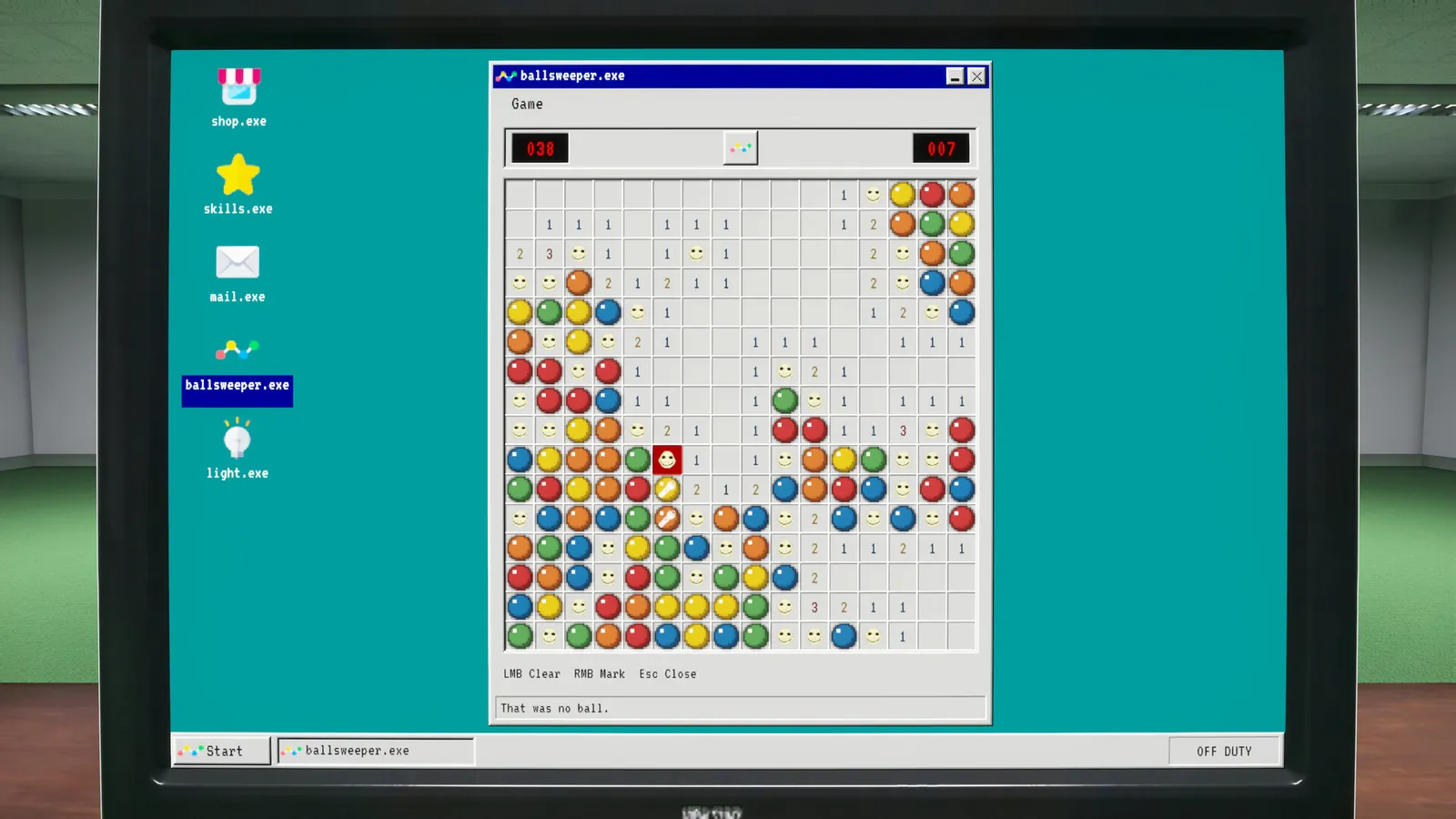
What this walkthrough covers
This is a route guide, not a transcript. It explains the order the game pushes you through, what each room throws at you, and the decisions that matter on a first run: when to leave, what to buy, and which collectibles are worth a detour. Story spoilers are kept to a minimum; the ending page handles the final beat separately.
Playrooms released on November 4, 2026 for PC via Steam. It is a single-player game from Two Pixels UG, priced at $6.99 with a launch discount. There is no multiplayer and no separate campaign select, so one save carries the whole shift.
The core loop in one paragraph
Each room is a ball pit with a room built around it. You pick up balls with your hands or a scoop, carry them to the pit, and dump them in. Delivered balls pay out, the pit fills, and a full pit unlocks the next area or a new ability. Between rooms you spend earnings on keys, hand upgrades and tools. The horror layer sits on top: lights fail, corridors change, and the game occasionally puts something else in the room with you.
Playrooms room order
The order below follows the achievement list and the pit-completion achievements. Two Pixels has not published a formal act structure, so treat this as the progression order the game presents rather than a developer-labelled chapter list.
| # | Area | Main gimmick | Pit achievement |
|---|---|---|---|
| 1 | Playroom | Tutorial pit, wide open floor | Clean Playroom |
| 2 | Poolroom | Water, tiles, split levels | Clean Poolroom |
| 3 | Backrooms | Liminal maze, too many doors | Clean Backrooms |
| 4 | Waiting Room | Chairs, blind corners, ceiling balls | Clean Waitingroom |
| 5 | Office | Green maze, phone, stairs | Clean Office |
| 6 | Hotel | Rooms change daily, narrowing halls | Clean Hotel |
| 7 | School | Lockers, gym, exploding ball clusters | Clean School |
| 8 | Final pit | Last delivery and the exit | Clock out |
A filled pit is the only progress marker that matters. If you are short on time, finish the pit before hunting the last few balls in a room.
Playroom: learn the verbs
The first Playroom is a teaching room. The floor is visible, the pit is close, and the ball count is small enough that you can test how pickup, carry capacity and delivery work without pressure. Use it to learn three things: how many balls you can hold, how far the pit is from the darkest corner, and how the payout scales when you dump a full load instead of dribbling balls in one at a time.
Do not spend your first payout on cosmetics or a second tool. The first meaningful purchase is the key to the next area. After that, capacity is the upgrade that changes the most per dollar, because every extra ball per trip cuts the number of walks between the far corner and the pit.
When the pit is full, the room's objective flips and the exit opens. Sweep the room once before you leave: balls hide behind furniture and in the gap between the pit lip and the floor. The beginner's guide→ walks through the first 30 minutes in more detail.
Poolroom: water changes the route
The Poolroom adds water and verticality. Balls collect in the pool, along the tiled edges and in corners that are hard to see from the entrance. The pit is not always on the same level as the balls, so plan a loop that ends at the pit rather than walking back and forth across the water.
The most common problem here is a ball that ends up inside a wall or under the pool lip. The game's reset option does not always recover those. Before you assume a room is bugged, read the stuck balls fixes→; the handheld vacuum can pull a ball out of a wall seam if you hold it against the surface.
Backrooms: trust the doors, not the map
The Backrooms is the first proper maze. The room is built from repeated yellow corridors, door frames and empty offices, and the layout is designed to make you lose your sense of direction. Dropping balls as a trail does not work because you need those balls for the pit. Instead, use the pit as your anchor: clear one corridor, deliver, then clear the next.
The "Level 0" achievement fires when you clean the Backrooms pit. The maze is also where the game starts leaning on darkness. If the lights go out, do not sprint. Sprinting makes your footsteps louder, and the audio cues are the only warning you get. The lights out guide→ covers the dark sections in detail.
Waiting Room: look up and behind
The Waiting Room looks small and is not. Balls sit under chairs, behind the reception desk, in the dark corners beside the vending machines and near the ceiling. The pit is usually central, which makes it tempting to ignore the edges; those edges are where the last 5% of the room hides.
This is a good place to use the flashlight even when the lights are on. The beam catches balls in shadow that the room lighting flattens out. If you are chasing the sparrow achievement, the Waiting Room is also one of the rooms with multiple vertical hiding spots; the sparrow locations page→ explains the search pattern.
Office: the phone is a decision
The Office is a green, carpeted maze with cubicles, a working phone and a staircase that does not behave. The phone rings in bursts, and answering it is optional. Answering brings an office worker to your position; the worker follows you and changes the route you can take. Ignoring it keeps the room quiet but leaves one more moving piece unaccounted for.
The staircase is the other trap. It keeps going up, and there is no reward at the top that justifies the climb on a first run. Clear the floor, fill the pit, and leave the stairs alone unless you are specifically testing the room.
Hotel: the room changes while you work
The Hotel introduces the best gimmick in the game: the rooms are not stable. Doors lead to different layouts, and the corridor narrows if you stay too long. The room-number plates are part of the puzzle; the game expects you to mark or remember which doors you have already cleared.
Do not try to clear the Hotel in one continuous sweep. Work in short loops, deliver often, and keep the pit between you and the exit. If a corridor starts to close, turn around immediately. The Hotel guide→ covers the room-marking routine and the narrow-corridor behavior.
School: clear the lockers carefully
The School is the largest interior. It has classrooms, a gym, red lockers and clusters of balls that burst out when you open a locker. The burst is the danger: if your hands are full when a locker opens, the extra balls scatter and you lose time.
Open lockers before you fill your hands, not after. Clear the gym last, because it is the longest walk from the pit. If a locker seems to spawn fewer balls than it should, the cause is usually a full carry capacity at the moment of the burst; the School guide→ explains the reload workaround.
The final pit and the exit
The last area is a single final pit rather than a new themed room. Fill it, walk through the exit, and the "Clock out" achievement fires. The ending is short and deliberately low-key; there is no boss fight and no choice that changes the outcome. If you want the story read rather than summarized, finish the run first, then read the ending explained→ page.
The final pit counts delivered balls, not held balls. If you are carrying a full load when the pit fills, dump it before you walk through the exit; the payout and the achievement both resolve on delivery.
Which route should you take?
If you are playing for the first time, follow the room order above and ignore completion. If you are returning for achievements, switch to the 100% checklist→, which groups the 30 achievements by room and by run type. If you only have an hour, the fastest meaningful session is Playroom plus Poolroom with a capacity upgrade.
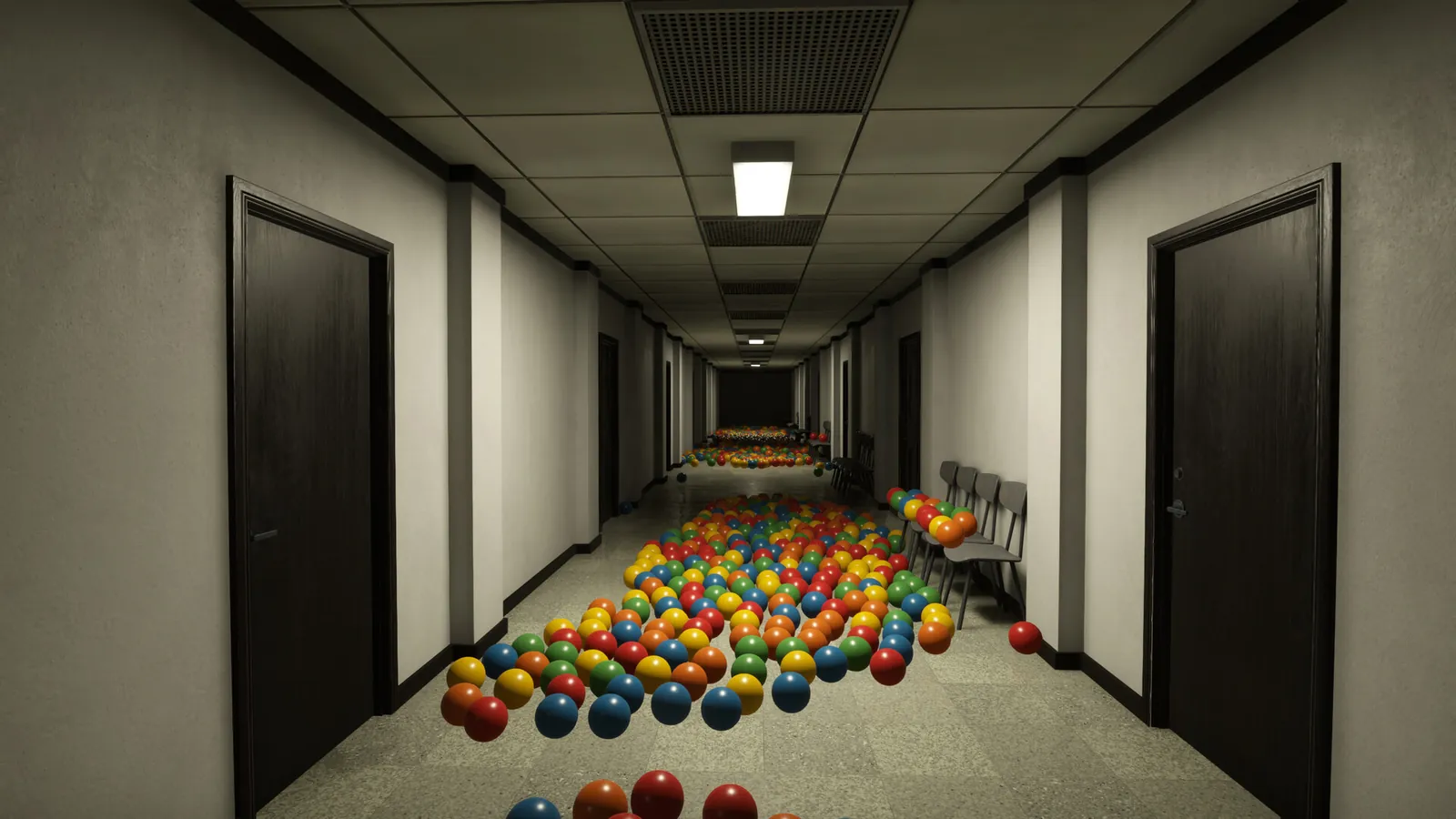
Money and upgrade timing
Every ball you deliver is currency, and the game does not refund deliveries. That makes the early game a budgeting problem: spend enough to keep the route comfortable, but do not buy a tool you will not use in the next two rooms. The safe priority is capacity first, traversal second, automation third. The upgrades guide→ explains why the vacuum robot is a trap if you buy it before the School.
There is one exception: the flashlight. If the dark sections are causing you to lose balls or lose your route, buy it early. It does not earn money directly, but it prevents the losses that cost more than the tool.
About Playrooms (2026)
Playrooms is a casual indie simulation game developed and published by Two Pixels UG. It released on November 4, 2026 for Windows PC via Steam. You play an inventory care specialist who clears ball pits in a liminal office complex, with light horror elements and a single-player campaign. The game supports controllers and runs on a modest PC; the store lists Windows 10 64-bit, 8 GB RAM and a GTX 1060 as the minimum.
Cross-check anything version-sensitive against the Steam listing ↗, the community discussions ↗ and the SteamDB record ↗.
Official source: Playrooms on Steam ↗
FAQ
How long is Playrooms? The store does not publish a length, and the game has no chapter select. A first run that clears every pit and reads the emails takes most players through a weekend; a focused run that ignores collectibles is much shorter.
Can you play Playrooms in co-op? No. Playrooms is single-player only, with no multiplayer or co-op mode listed on Steam.
Does Playrooms have a demo? Yes. A free demo is available as a separate Steam app, and progress does not carry into the full game. The price and demo page→ covers what is included.
Do I need to finish every room to see the ending? Yes. The exit opens after the final pit is filled, and the final pit is gated behind the earlier rooms.
Is there a way to make the game less scary? Yes. The fear settings can remove the horror content while keeping achievements enabled. See the Cozy Mode guide→.